Lifetime is not lifetime, and other reasons to write your own tools
 ·
It’s not a secret I like working with LLM’s. I don’t feel like it takes away my job, but it makes it much easier to do my job. I can focus on the architecture and I feel like I can write the tooling I miss without spending too much time on it. And sometimes a vendor decides that “lifetime” doesn’t mean lifetime anymore, which is a pretty good reason to build it yourself. I’d like to share a list of things i’ve created with the help of LLM’s.
TaskMaster
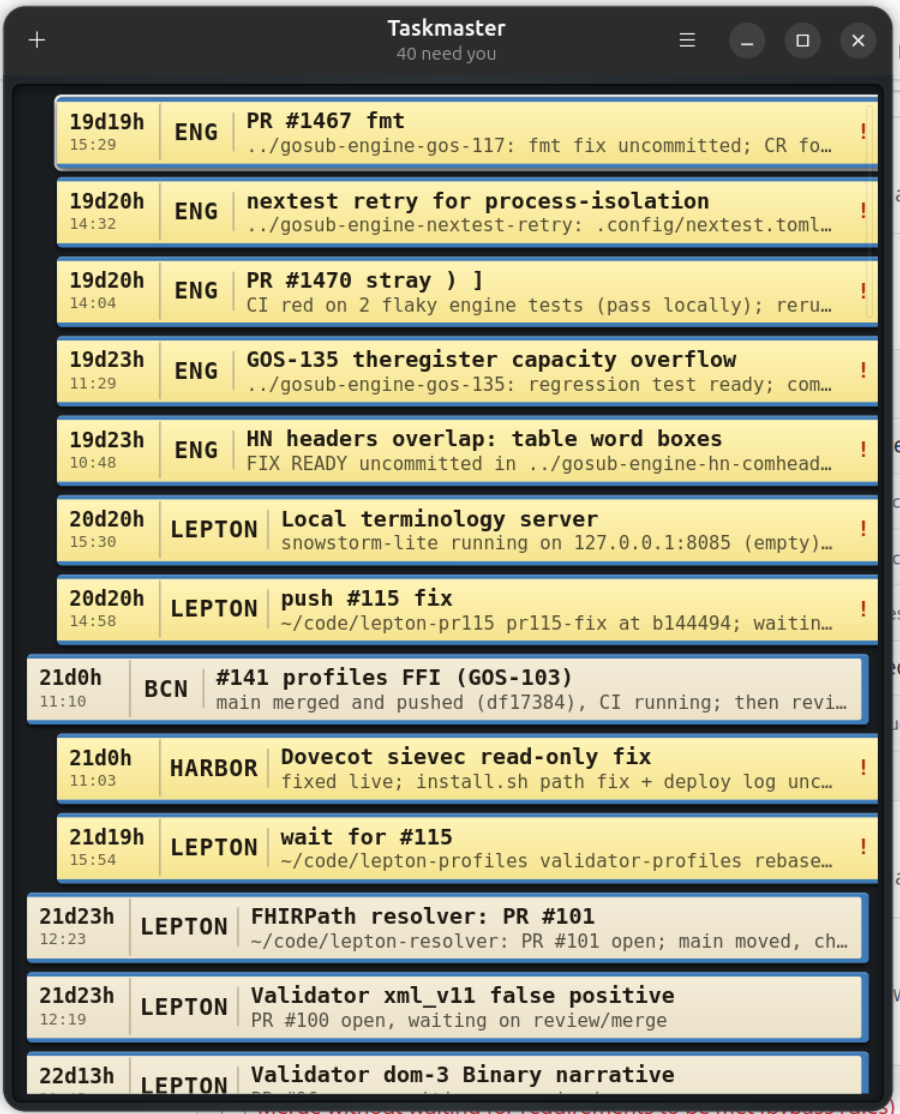
Since LLM’s I started to do more work in parallel. Instead of focussing on one single bug or feature, I can now work on multiple. Have the LLM generate code, review another one, do some testing on a third one etc. Now, I’m not very good at multitasking, so I tend to lose a lot of time context switching. So I created a tool called TaskMaster. It is based on the air traffic controllers board with all the strips on it where they move the strip either from one column to another, or somewhere along the queue (i think :)). So this tool is to help me keep track of all tasks and quickly switch them around. An LLM is asking me for input, I give it, and move the strip at the back to the queue. Then I continue with the next top task. When a review takes too long, I move it back to the queue, check the next task if it needs action etc. Multitasking in real life. I don’t use it so much anymore, because I noticed that having too many tasks was getting unproductive, but it was a great tool to get me started with LLM’s and multitasking.
Lepton FHIR store
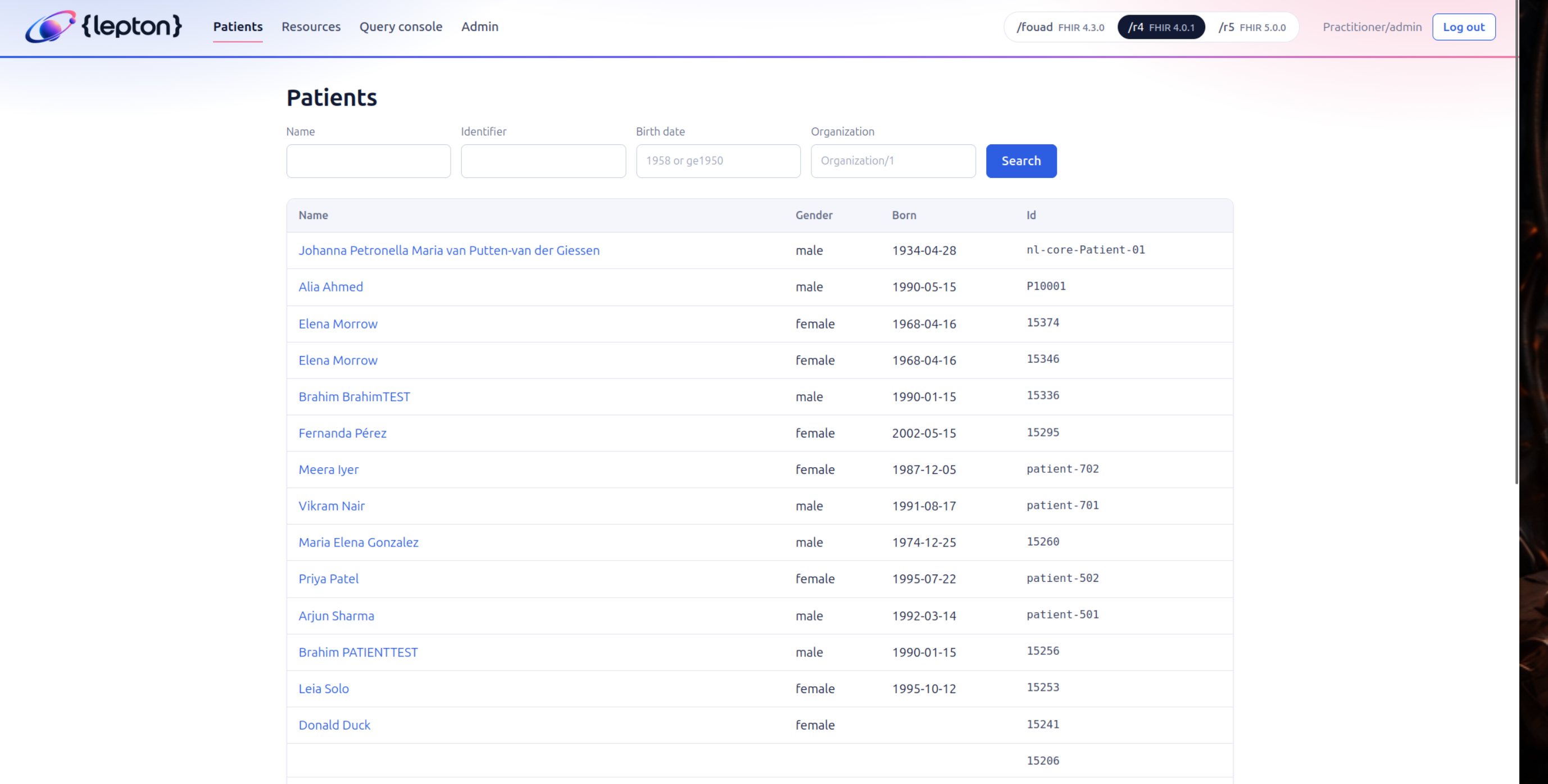
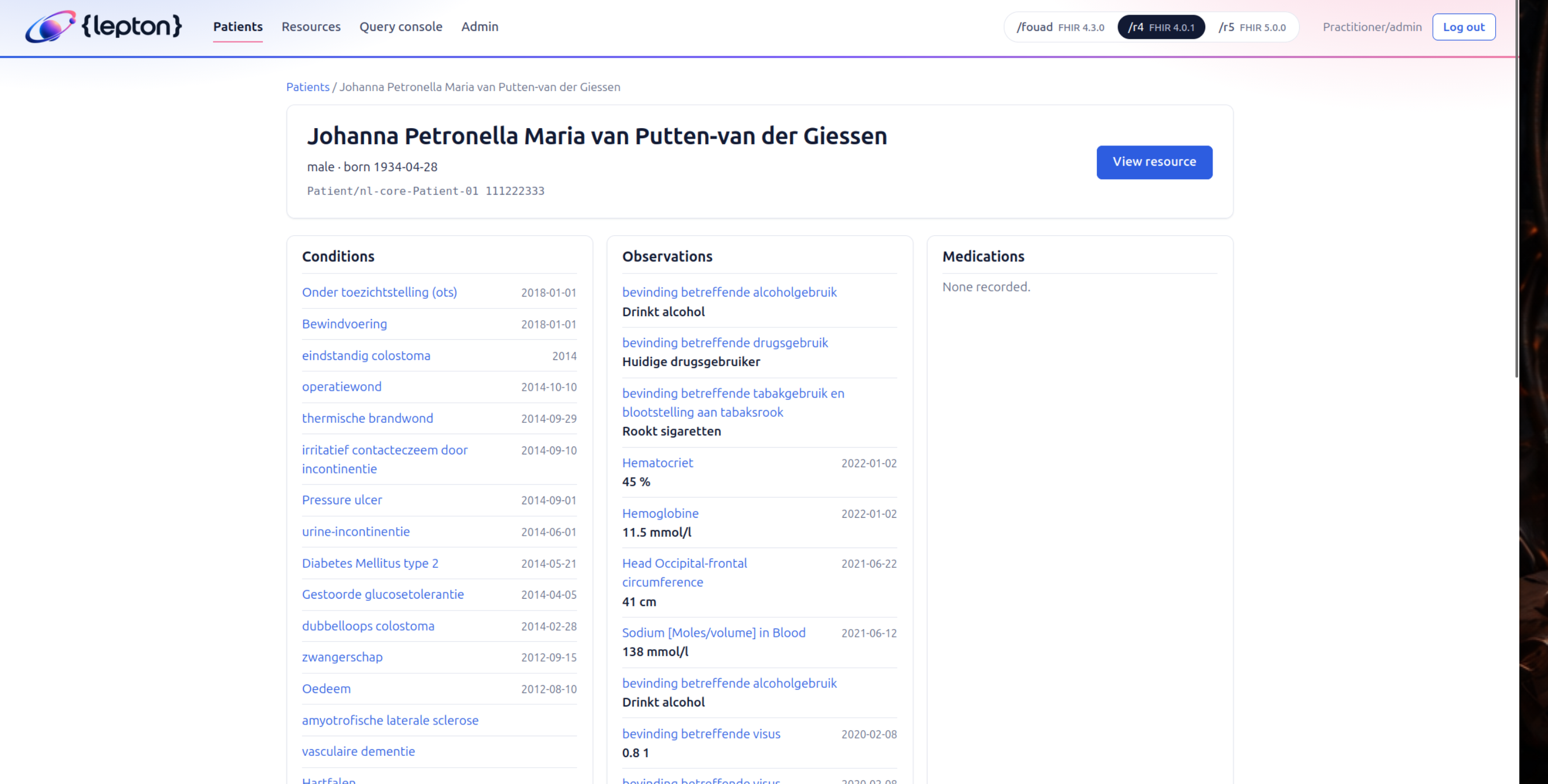
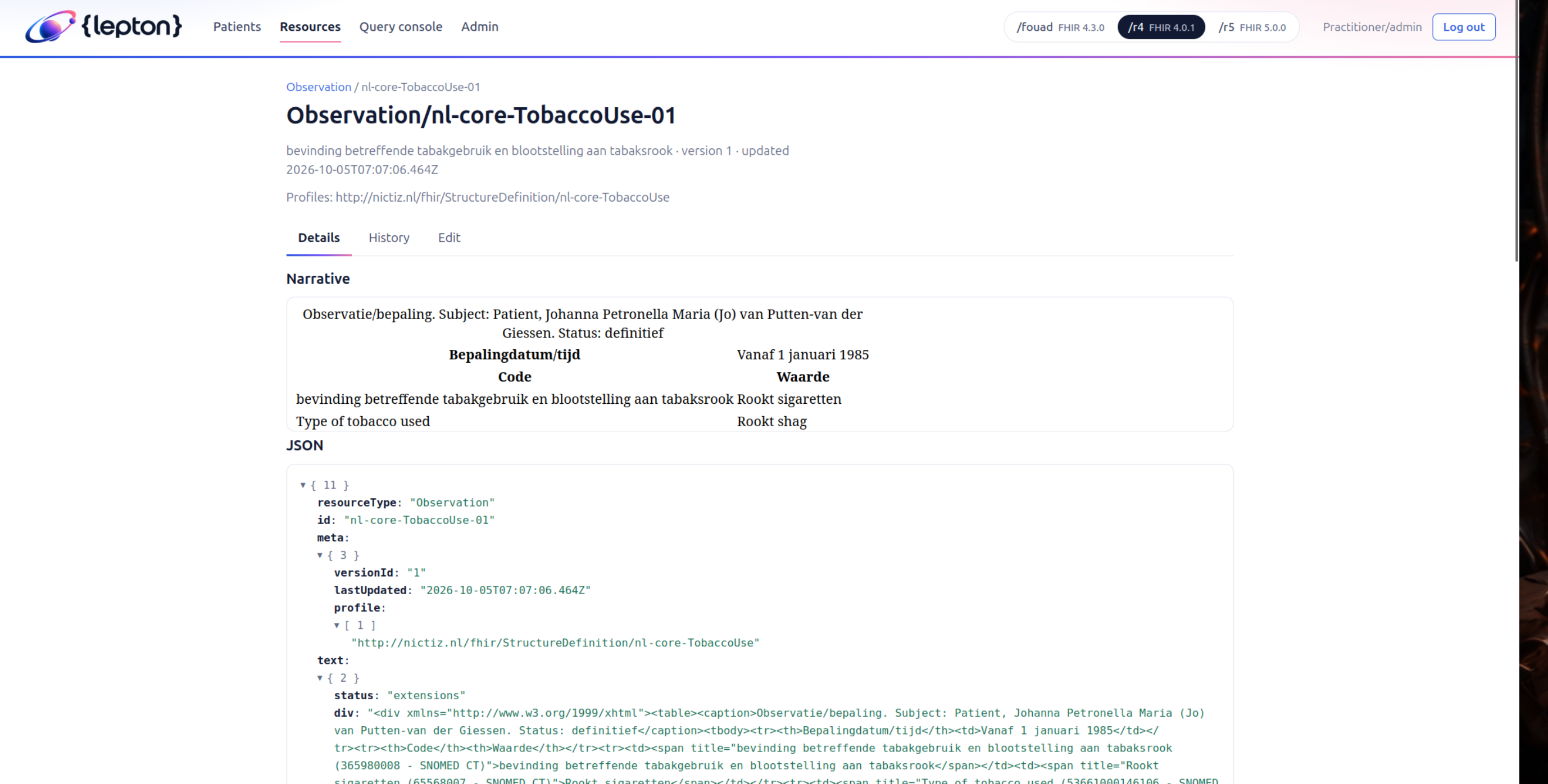
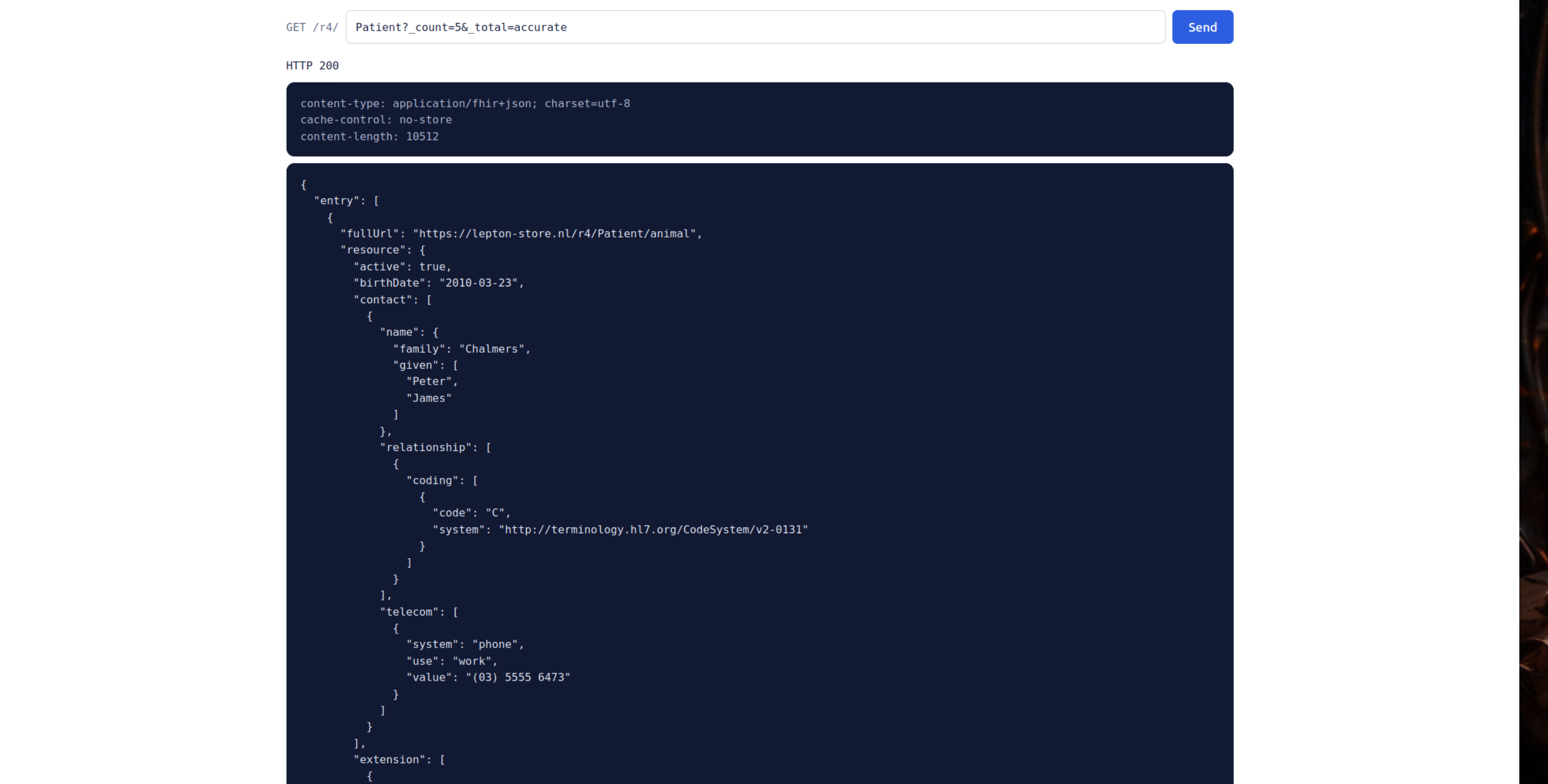
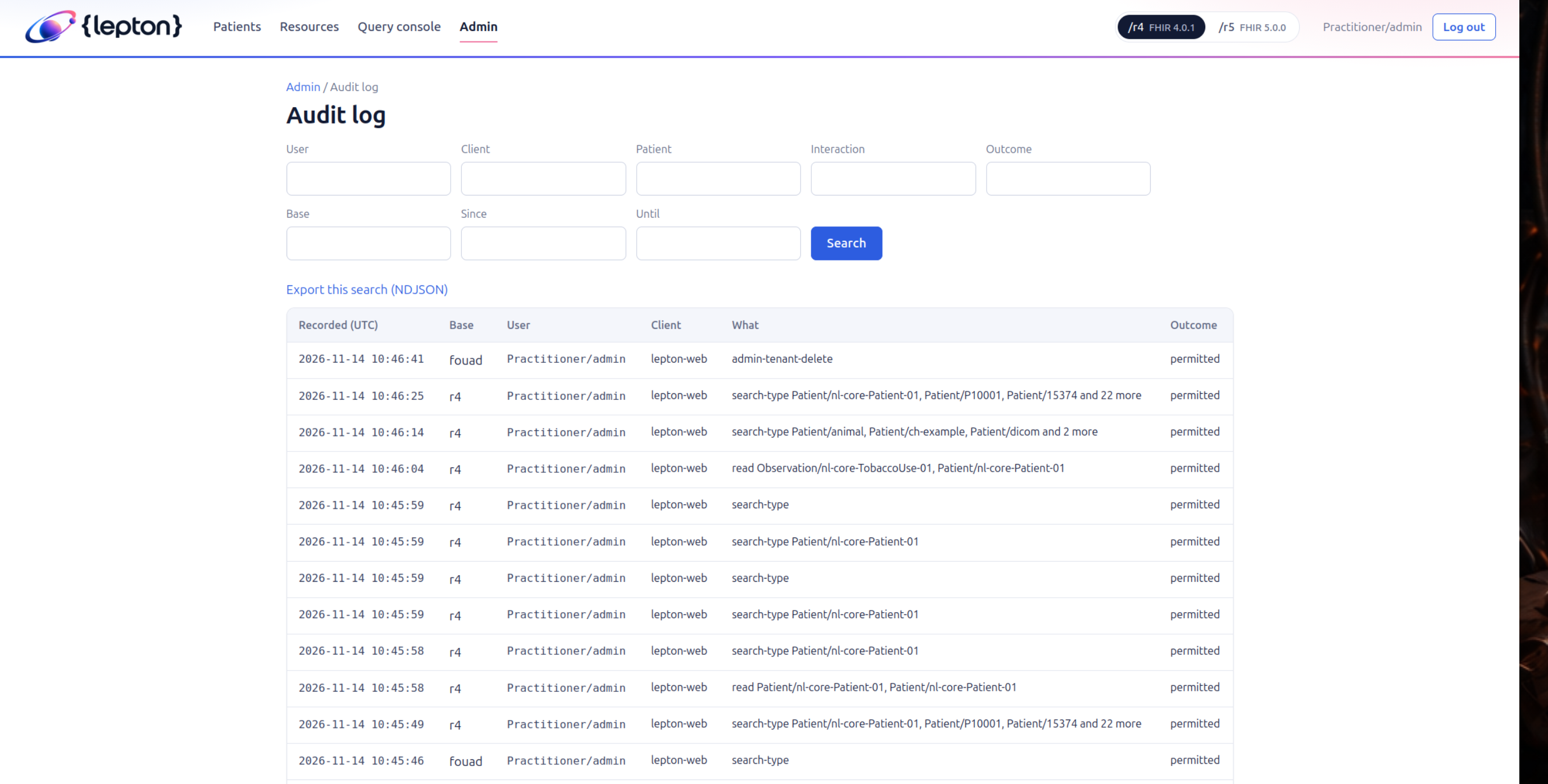
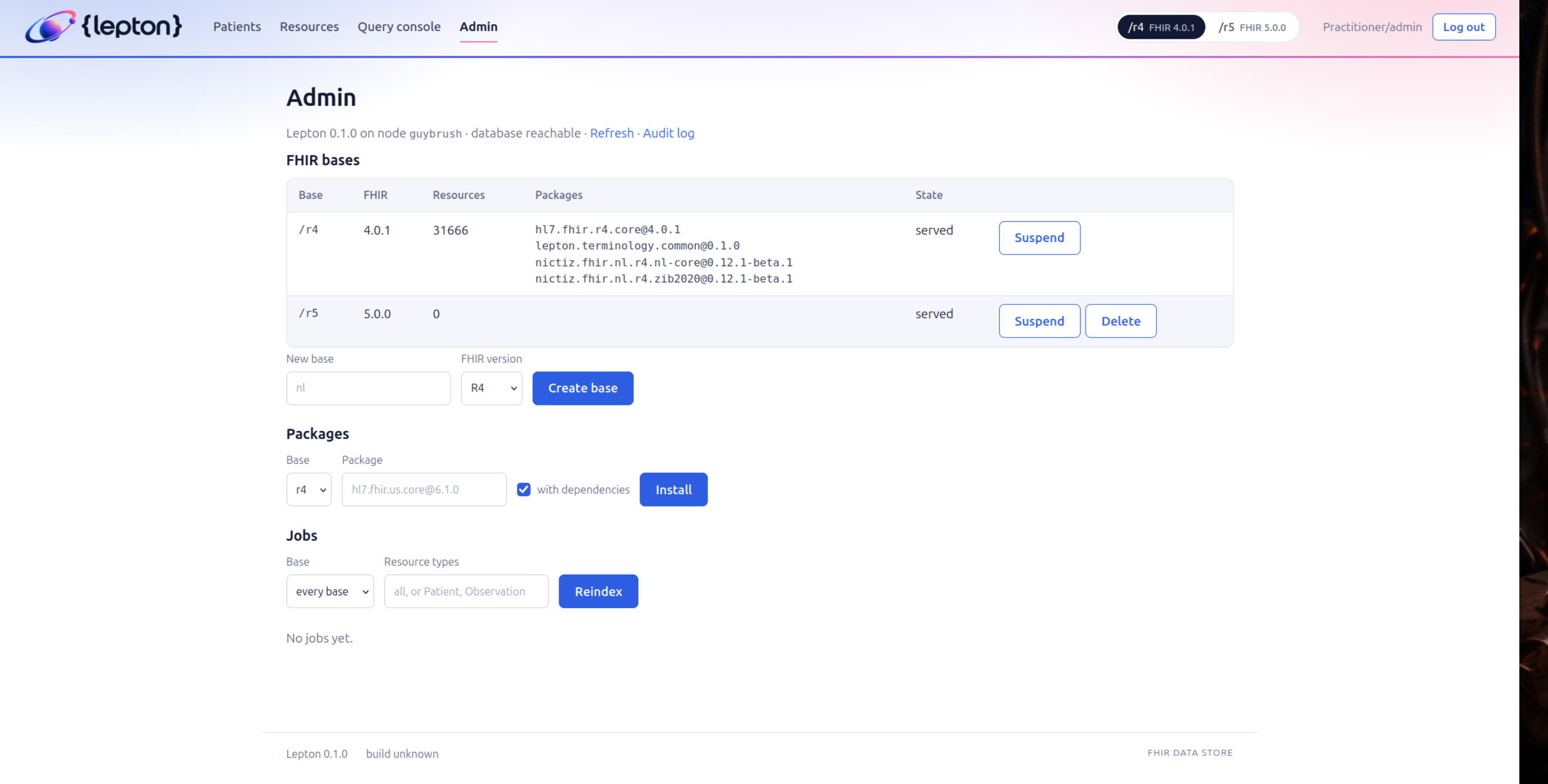
For my current job working in the Healthcare domain, there is a single protocol that rules them all: FHIR. And in order to store healthcare data, many will use a FHIR compatible store. There are a few, but the most used one is HAPI FHIR. It’s java-based, it’s bloated, it’s slow, it’s a memory hog. And it’s java (yes, i name that twice as a complaint). So I vibecoded (not designed) Leptop, a FHIR store that is written in Rust. It is fast, it is memory efficient, it is small and it basically passes all the Fhir tests available. Don’t migrate your hospital data into it yet, but for our work, when we need to fire up (get it) FHIR stores quickly to test communication, it’s a great tool to have it running.
My initial idea was to tell it the basic requirements of a FHIR store, how it should deal with authorization, database stores, and other things that are important. After that, I made him draw up a plan for the architecture. Wasn’t perfect, but it was a very good start. So I started to do an experiment: let is fill in the milestones, do its own commits, make sure the tests are passing etc. And honestly, it did it’s job very well. I noticed that most of the Rust code it generates is pretty good. Maybe not the best, but to be honest, me writing Rust code would not be any better. I hope the reason LLM’s are good with Rust, is that their training material is also on a high standard. It’s not easy to start with Rust, so once you do, the code will be better than say, php or javascript where you can dive into in mere minutes.
Anyway, at certain points I did some code reviews and let Fable even did some security assessments. It found things, as expected, but nothing really serious. It’s not like the code is riddled with SQL injections, wrong crypto, plaintext stored passwords (or stored at all) and stuff like that.
Ultimately, It took a few weeks to get to a point that pretty much all the FHIR tests passed, and with its own OIDC plugin system, it uses keycloak for authorization and authentication. Or something else if you like. I also did some benchmarking and mimic what large healthcare systems would have, and see how the performance holds up. There were some O(n^2) operations present that are not always easy to detect when running with small datasets, but this is why large dataset tests matter. Generating millions of records and testing the performance of the store is a great way to find those issues. I did some optimizations and now it is pretty fast.
Harbor
Since 2004, I have a lifetime subscription to DirectAdmin. Back then, we had a small number of customers who needed hosting, and buying a $299 lifetime license was a good investment. Over the years, I got rid of hosting, but I kept DirectAdmin for my own use. Lots of vanity-domains, some small websites, my own email hosting. It worked. Mostly because I’m too lazy to do it all manually. But after trying to migrate my main server to ubuntu 24.04, I noticed that DirectAdmin was not compatible with it. I needed to buy a new license, because lifetime is obviously not lifetime. So now they forced me to buy a $29 subscription per MONTH to do the same thing I was doing before. That is not lifetime. Don’t say I don’t have the right to complain because it’s over 20 years. That’s exactly what I bought, and now they are taking that away.
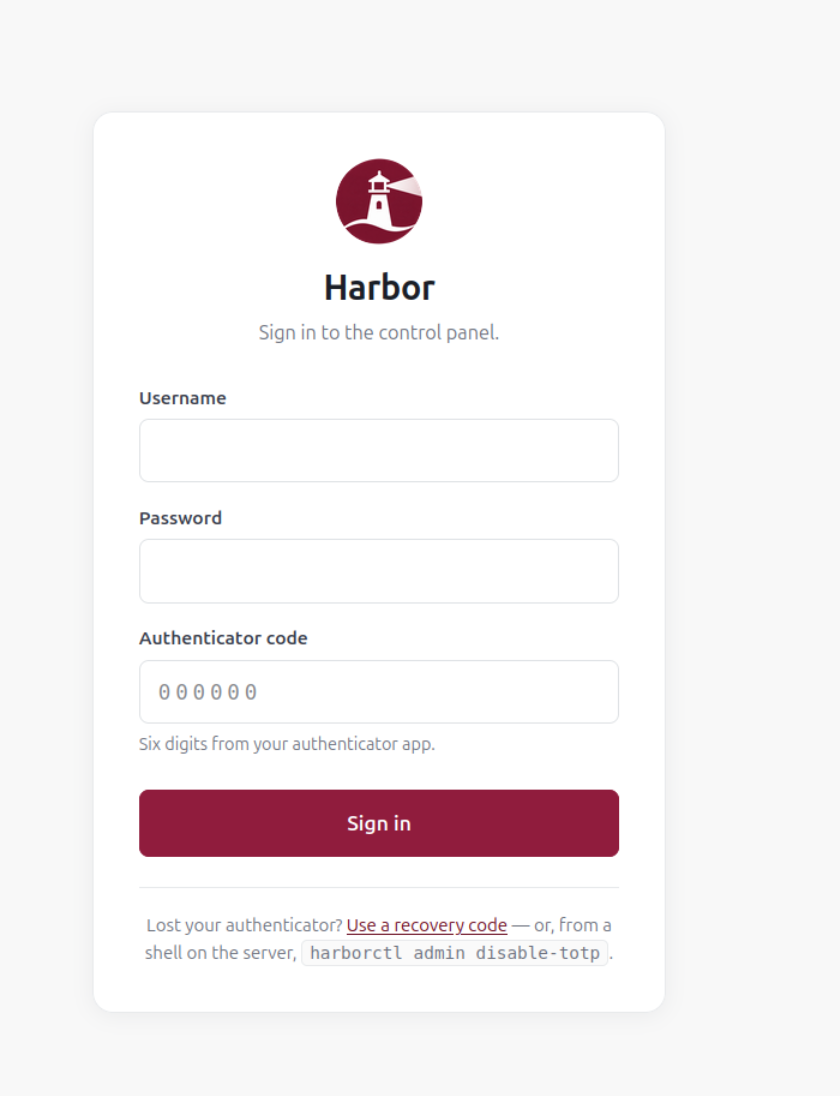
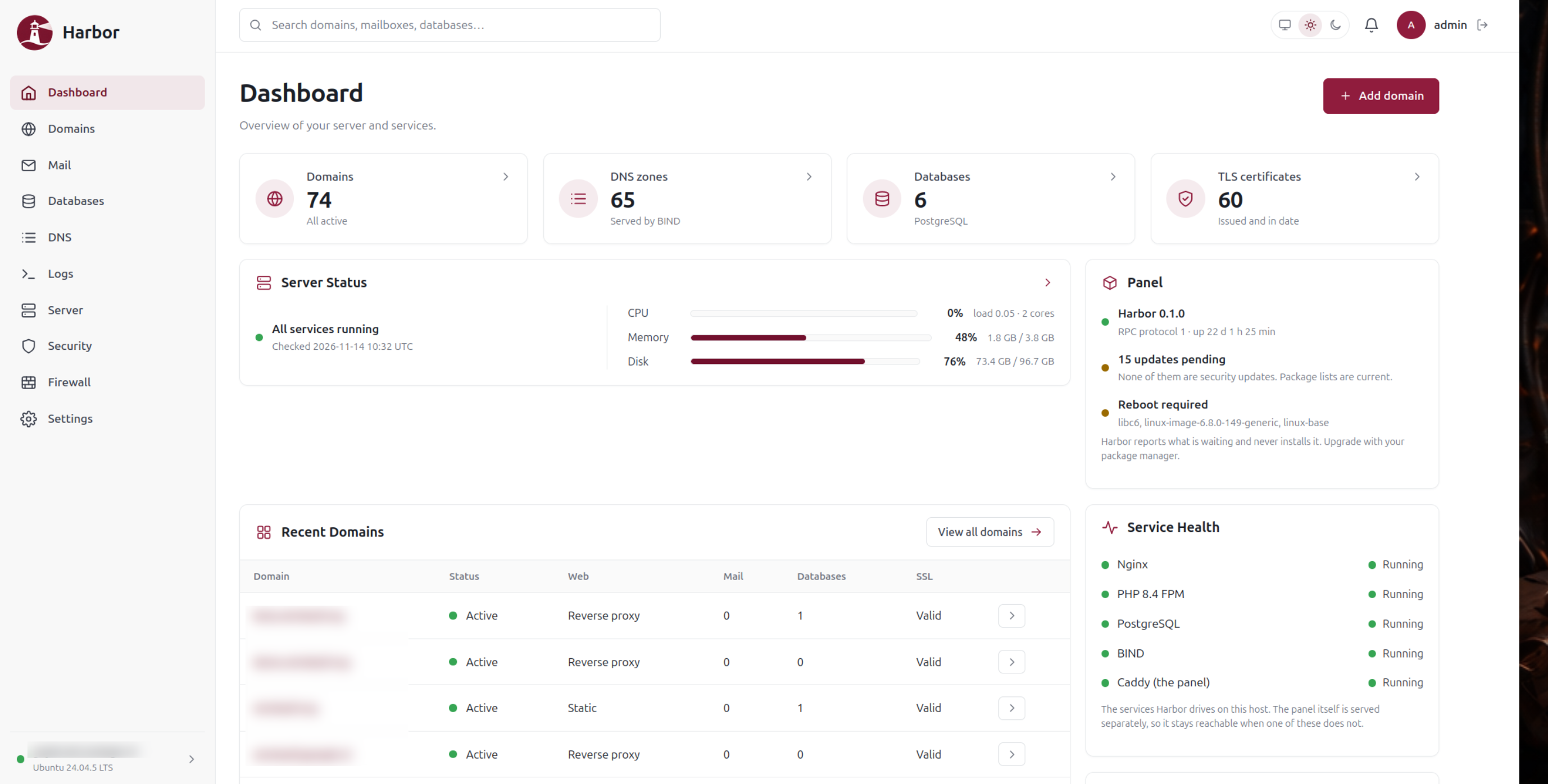
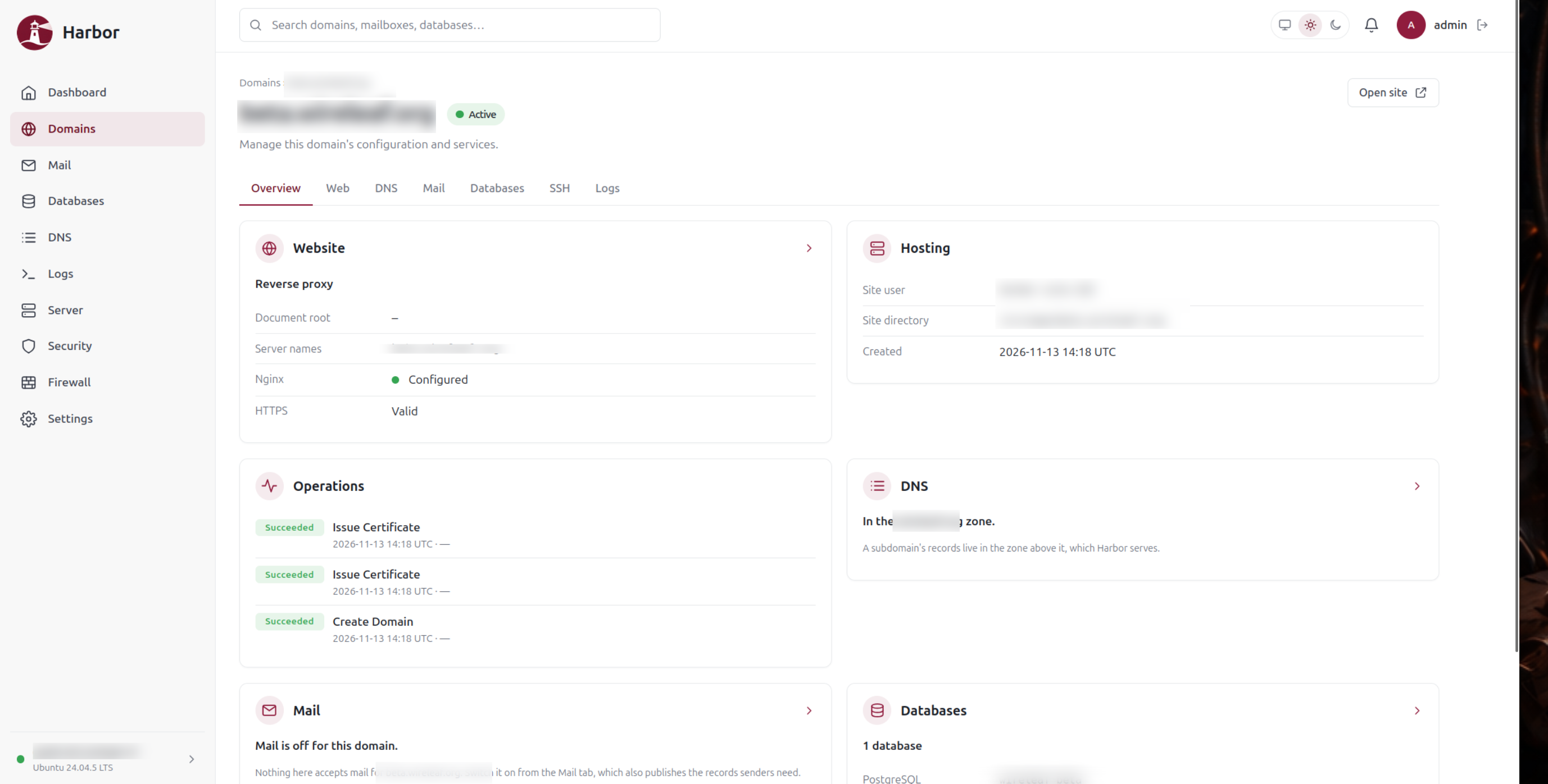
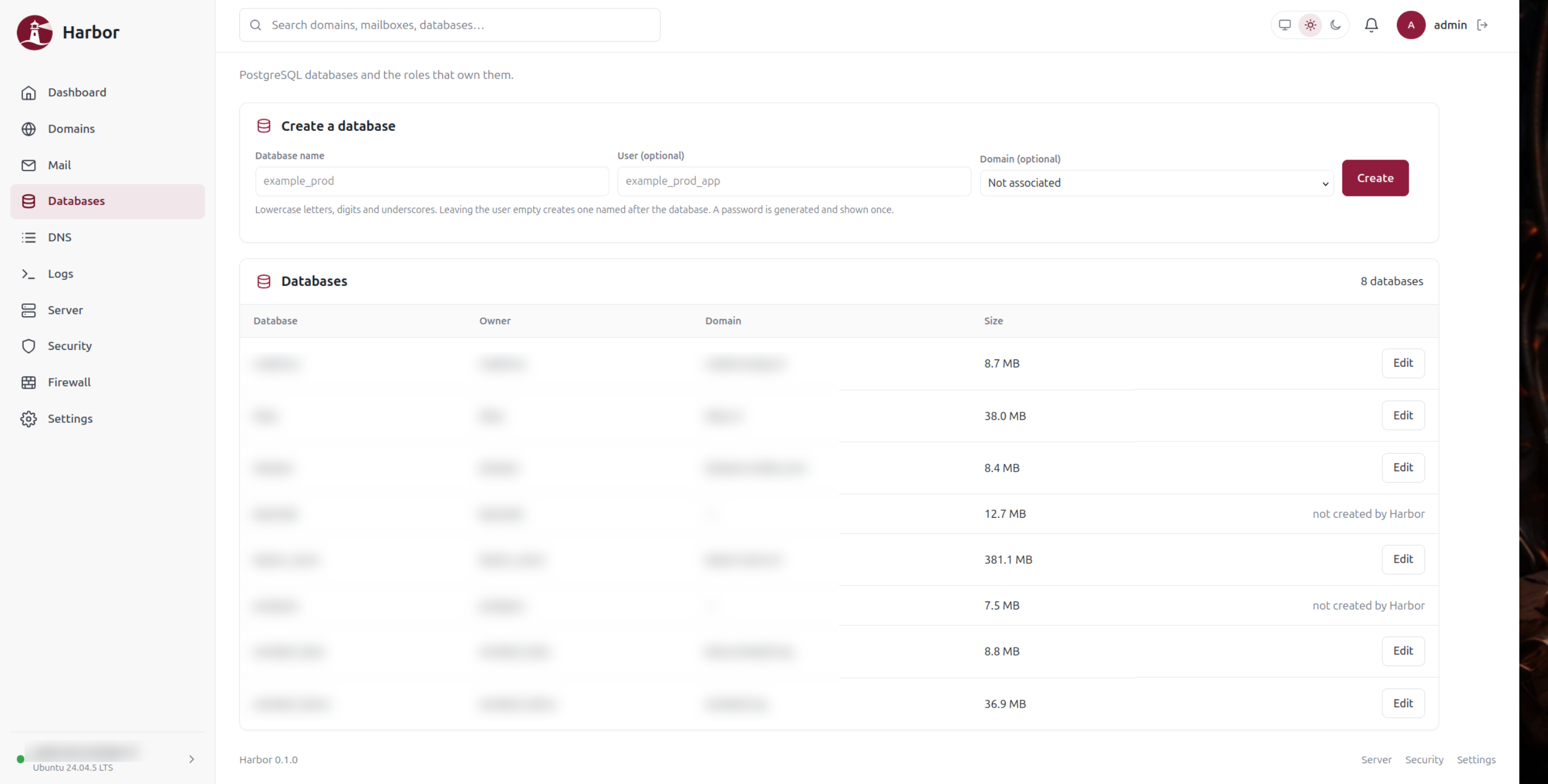
So, as Bender eloquently like to say: “We’ll build own theme-park, with blackjack and hookers”. So I did (minus the blackjack and hookers). I created Harbor, a webhosting control panel. The planning took a while: basically, I needed directadmin but stripped of of all functionality I did not need, plus the functionality I kept missing in Directadmin itself. Result: Harbor. It is a webhosting control panel that is easy to use, easy to maintain, and has all the features I need. It is written/generated in Rust, single user, and only deals with the things I need. I forgot to add some cronjob maintenance (i know, what’s wrong with crontab -e, but i like to have it all in one place), but in about an hour, that was ready, tested and deployed.
The main problem was that Harbor needed to run at the same time as DirectAdmin, and moving over things one by one. So, Harbor, and all its components that needs it running, were placed on the server in its separate docker compose setup. Doing this step by step, I was able to get all the websites over to Harbor, have Claude check each site at the configuration level, and on the websites themselves in order to make sure they were working properly. I let Claude generate a simple tool that would continuously monitor running websites, ports, mail services, and all other things that should be permanently running, and I got notified as soon as something went down (it happened only once during the migration, when the mail service did not came back up because nobody told it to).
After the websites were running smootly, we’ve migrated over the database, DNS, and finally mail services. Everything was running properly in Harbor, and we could finally shut down DirectAdmin. The next step was to move Harbor out of the docker setup which was not too much work. Now, everything is running on Harbor, and for me it’s a great tool to manage my websites, mail and other services.
Is it safe? Well, I think it’s as safe as DirectAdmin was, since it mostly is about configuring other services like Nginx, Postfix, Dovecot etc. Harbor itself is just a simple web panel that triggers commands to update the configuration of those services. I feel confident enough to have it running. I personally did not find any issues that would make it unsafe, and Fable did not find anything serious either.
Kirvato
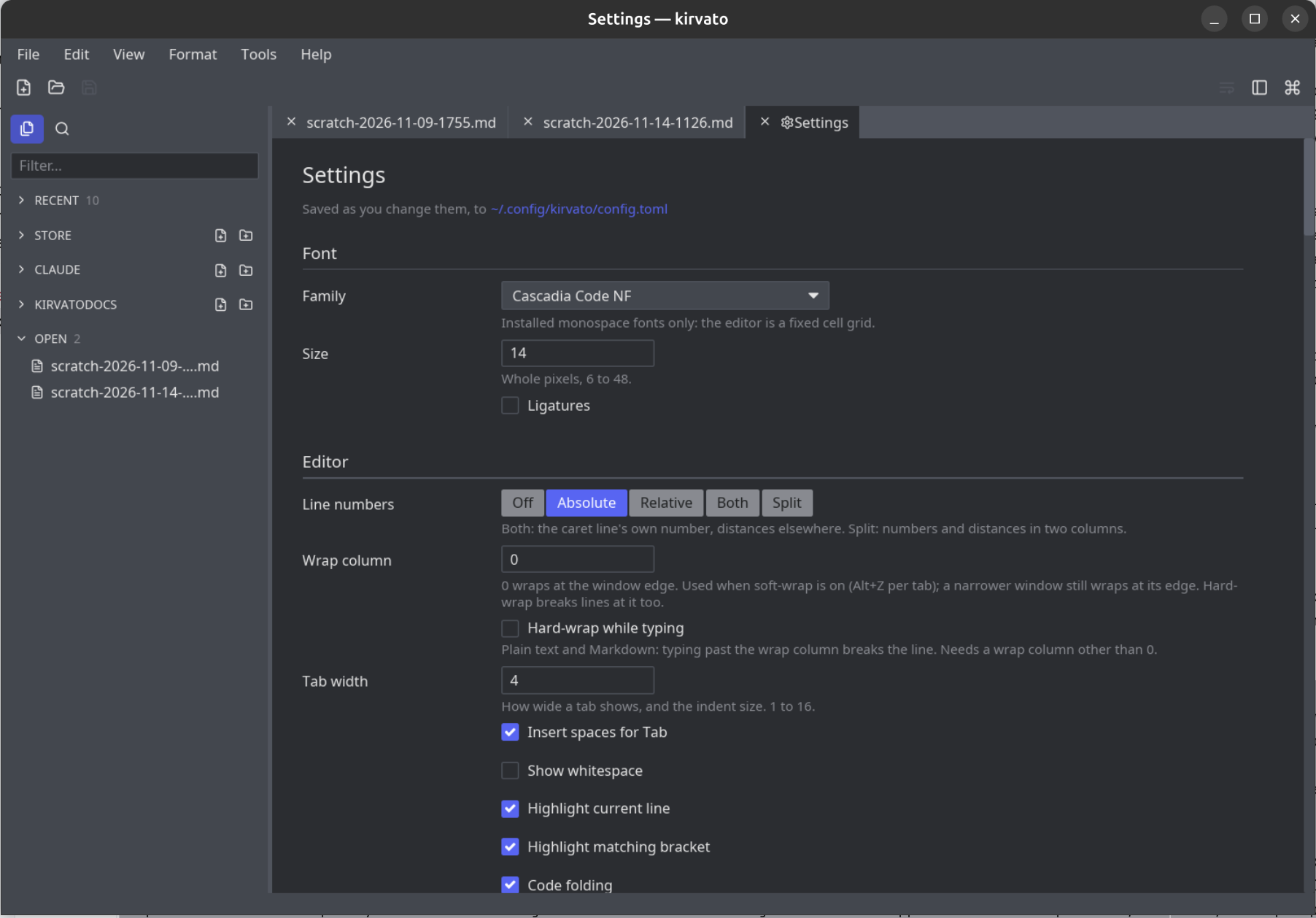
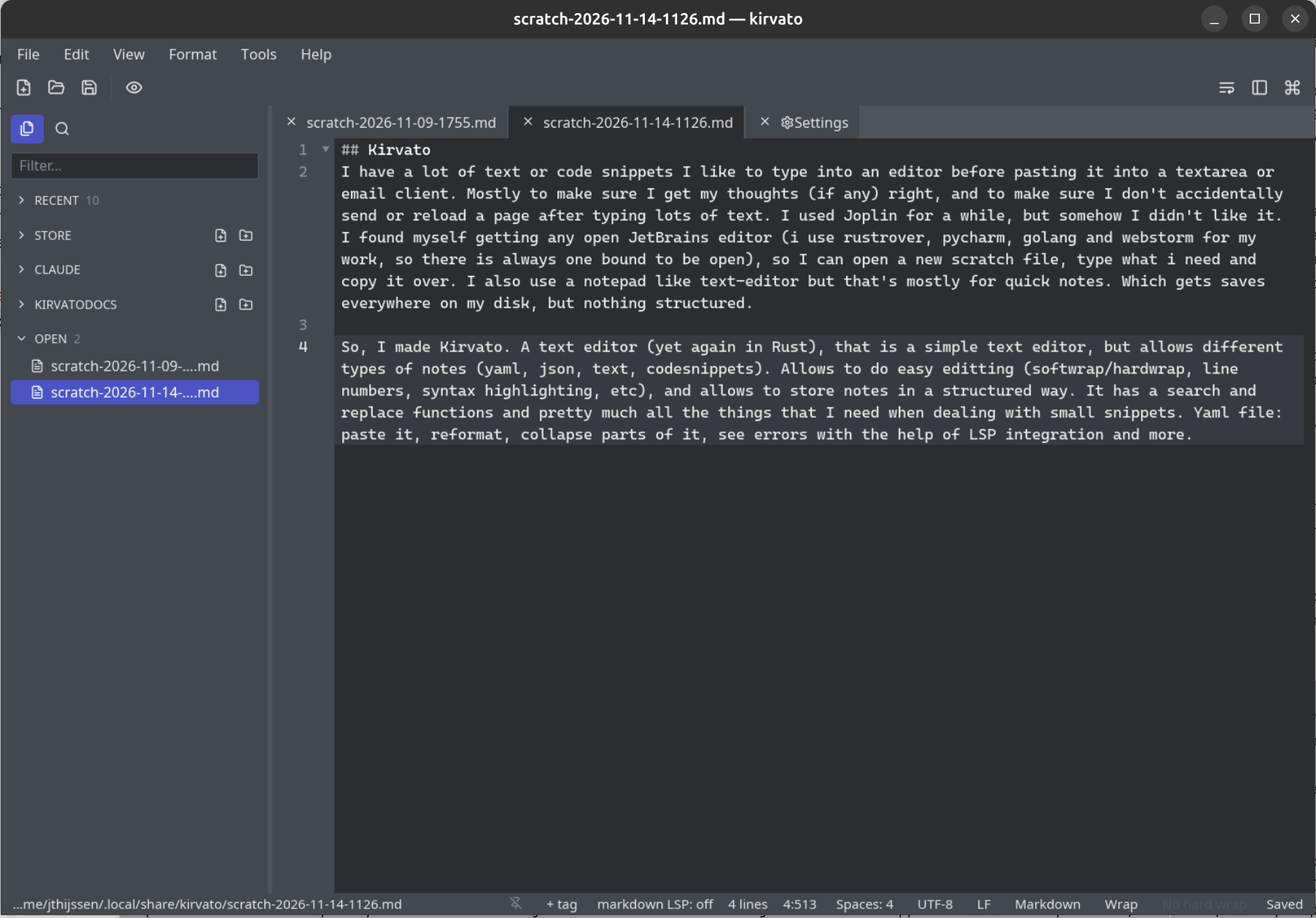
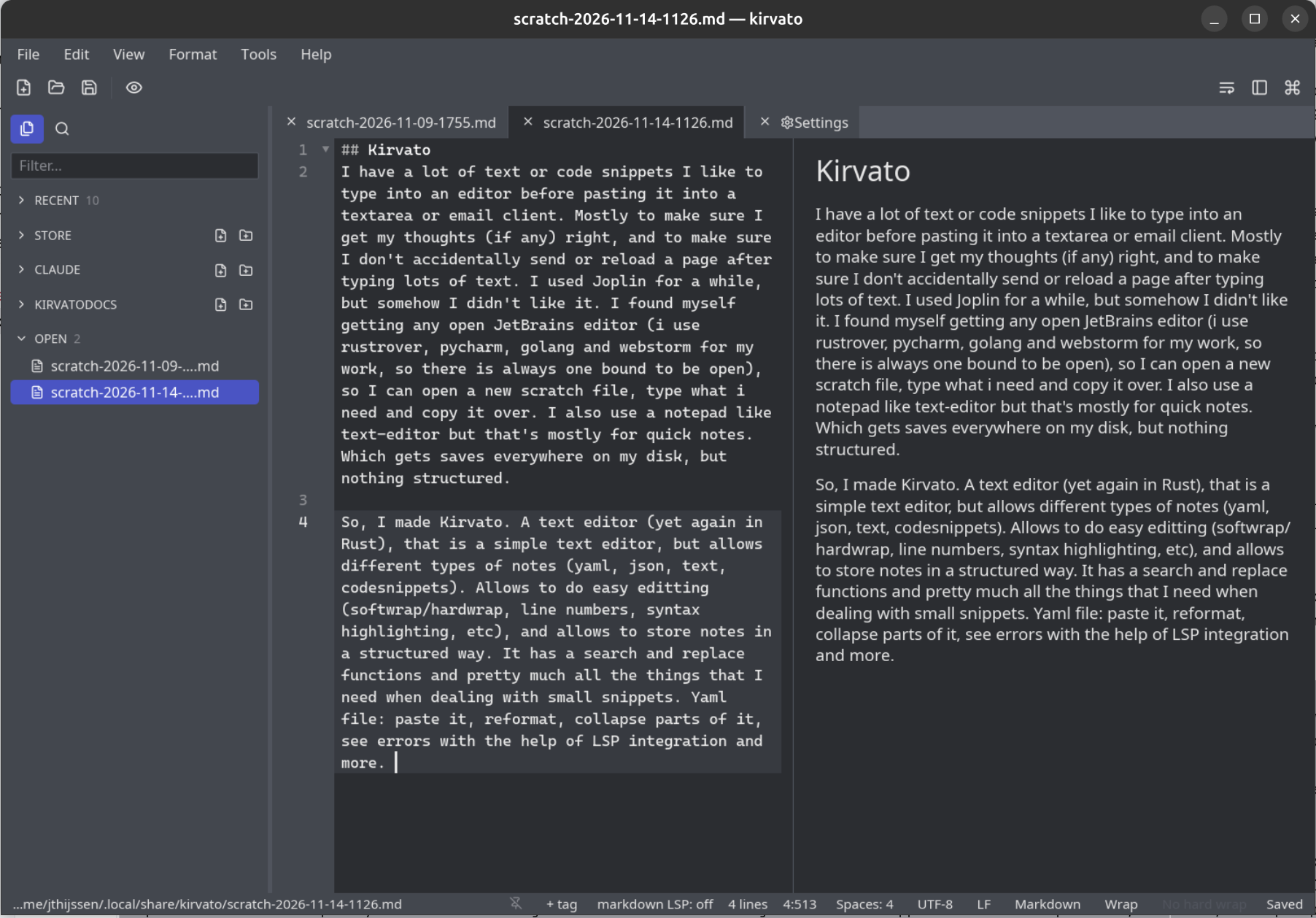
I have a lot of text or code snippets I like to type into an editor before pasting it into a textarea or email client. Mostly to make sure I get my thoughts (if any) right, and to make sure I don’t accidentally send or reload a page after typing lots of text. I used Joplin for a while, but somehow I didn’t like it. I found myself getting any open JetBrains editor (i use rustrover, pycharm, golang and webstorm for my work, so there is always one bound to be open), so I can open a new scratch file, type what i need and copy it over. I also use a notepad like text-editor but that’s mostly for quick notes. Which gets saves everywhere on my disk, but nothing structured.
So, I made Kirvato. A text editor (yet again in Rust), that is a simple text editor, but allows different types of notes (yaml, json, text, codesnippets). Allows to do easy editting (softwrap/hardwrap, line numbers, syntax highlighting, etc), and allows to store notes in a structured way. It has a search and replace functions and pretty much all the things that I need when dealing with small snippets. Yaml file: paste it, reformat, collapse parts of it, see errors with the help of LSP integration and more.
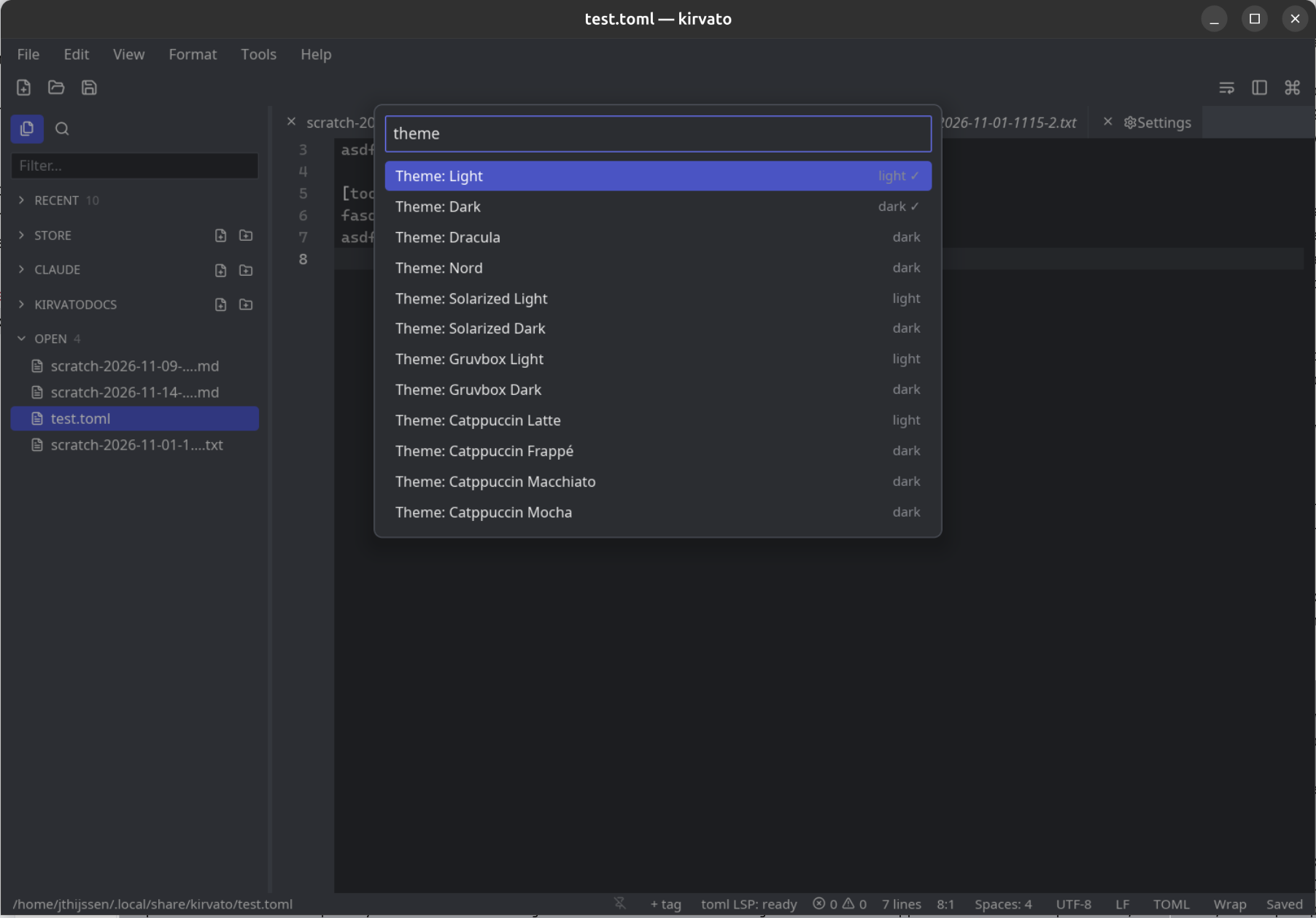
And it got themes… oh yeah!